
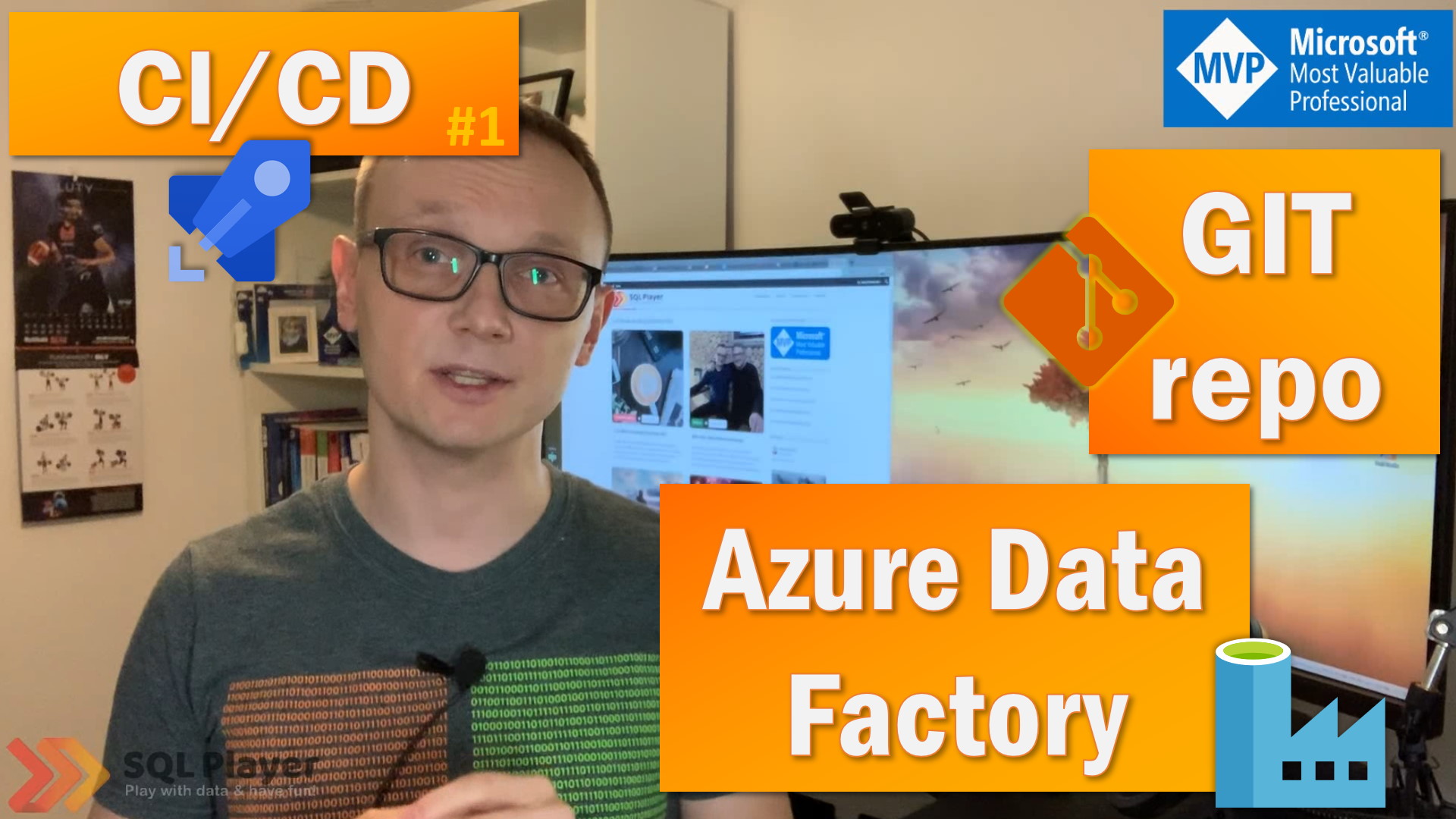
ADF – Continuous Integration & Deployment with Azure DevOps
Building CI/CD process for Azure Data Factory is not quite straightforward. Furthermore, there are a few different methods of doing that. Before we begin doing that, we must set up git repository associated with ADF, understand what’s the differences between save and publish, and why new branch appears.
The basic knowledge of ARM templates also would be beneficial.
During this video, I will explain one of the methods recommended by Microsoft.

About author

You might also like

New DB project with SSDT and import existing database
With this episode I would like to commence long-awaited new series It’s about DevOps with databases. I’ll start with SSDT, but not exclude other tools (like Redgate ReadyRoll) in the

How to create DACPAC file?
In this post, I will explain what the DACPAC is and how to create it. In the previous post in DevOps series, I described how to create a new, empty

Setting up Code Repository for Azure Data Factory v2
In this blog post I want to quick go through one of useful capabilities that Microsoft provided with version 2 of Azure Data Factory. As a developer I always want




1 Comment
ADF – Deployment from master branch code (JSON files) | SQL Player
April 01, 08:01[…] the previous episode, I showed how to deploy Azure Data Factory in a way recommended by Microsoft, which is deployment […]