

Last Week Reading (2019-01-06)
Good morning chaps! Bunch of news from data’s world freshly served.
Press
Introduction to Testing Your PowerShell Code with Pester
Robert Cain introduces us Pester for making tests.
9 popular ways to perform Data Visualization in Python
Read this post if you interested in building charts with Python.
New automated machine learning capabilities in Azure Machine Learning service
Now you can scale up your training jobs, use Azure Databricks or your local PC and use rich visual charts, forecasting or Model Explain Ability.
Azure Data Factory Data Flow: Transform Data with Regular Expressions
In this post, Mark Kromer (T) shows how regular expression can be used in ADF to clean an address.
2018: Community Influencer of the Year
Aaron Bertrand (T) announced his annual award and the winner is Bert Wagner (T)!
Cheat Sheets
I have introduced a new page on this blog.
A word from Microsoft’s CEO
Nothing this time, sorry 🙂
Video: Robots inspired by Nature
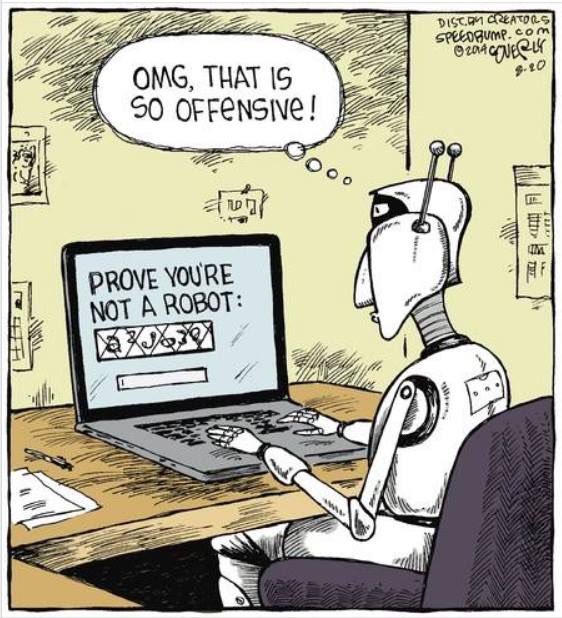
Smile corner
About author

You might also like

)
Last Week Reading (2019-03-31)
Hello SQL/Data folks! The first week after returning from MVP Summit (Redmond, USA) was murderous for me. What about your past week? In this post, as every week, I review
Last week reading (2018-02-25)
It’s was very busy and pleasant week for me. Tenth SQLBits which has taken in London this year finished yesterday. I have been working as a volunteer (one of the
Last week reading (2018-10-21)
DevOps Terms – and Why They Matter to Database Specialists Find out what is Scrum, Continuous Deployment, TDD and others from Kendra Little [T]. Seamless access to management insights for




0 Comments
No Comments Yet!
You can be first to comment this post!